
.svg)
.svg)
ONESHIELD ENTERPRISE / CLAIMS
Insurance claims management software from FNOL to resolution
Manage the full claims lifecycle, from first notice of loss to resolution, on configurable workflows. AI-supported triage and routing help your team prioritize complex claims and move faster on the rest.
Focus on the Critical Decisions
OneShield Claims automates manual processes so you can focus on complex claims handling, reducing overhead and improving efficiency.
Reporting & Incidents
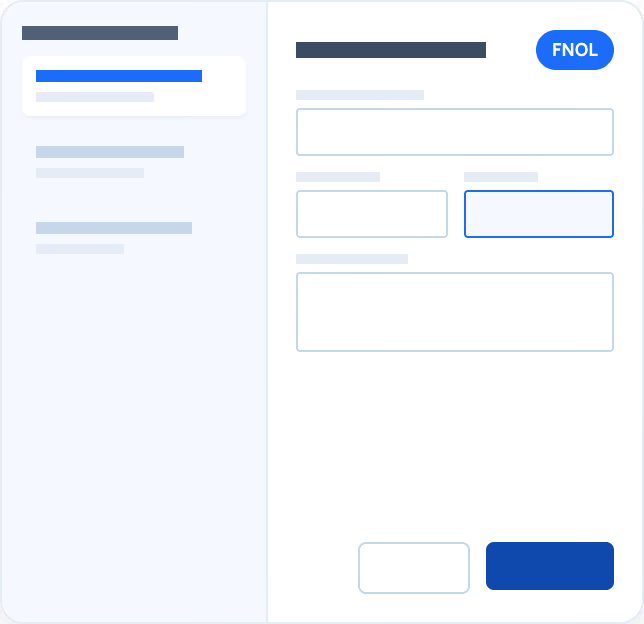
Open claims with the full picture from day one
Guided questions and third-party data connections help your team open claims with fewer gaps to fill later.
Key capabilities:
.svg)
FNOL reporting and incident management to track activity and identify opportunities before a claim is opened
Dialogue scripts built into the claims intake process
Enter or receive FNOL/FROI directly from third-party service vendors
Workflow & Context Awareness
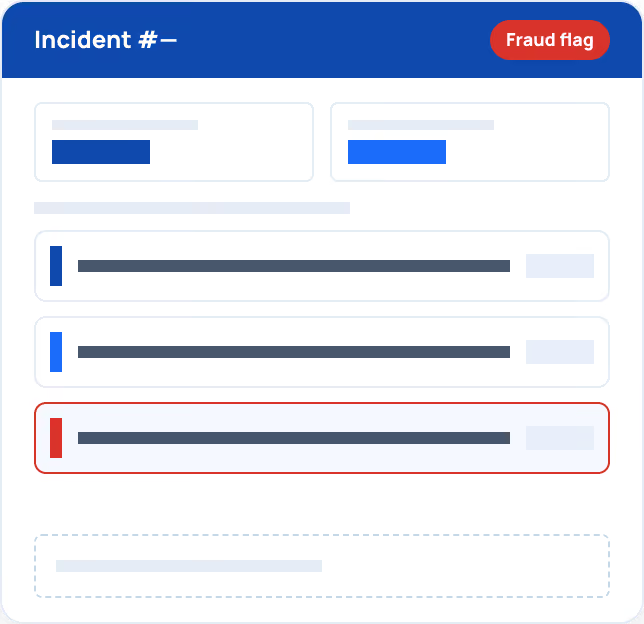
Keep full context with every claim, every handoff
Assignment rules and shared context keep every claim moving toward resolution instead of sitting in a queue.
Key capabilities:
Automated claim assignment by user role, skill set, location, line of business, and other criteria
Manage individual claims at the incident level with intelligent workflow and context awareness
Detect fraud and act on loss control more effectively
Deliver a better customer experience
Rules-Based Assessments
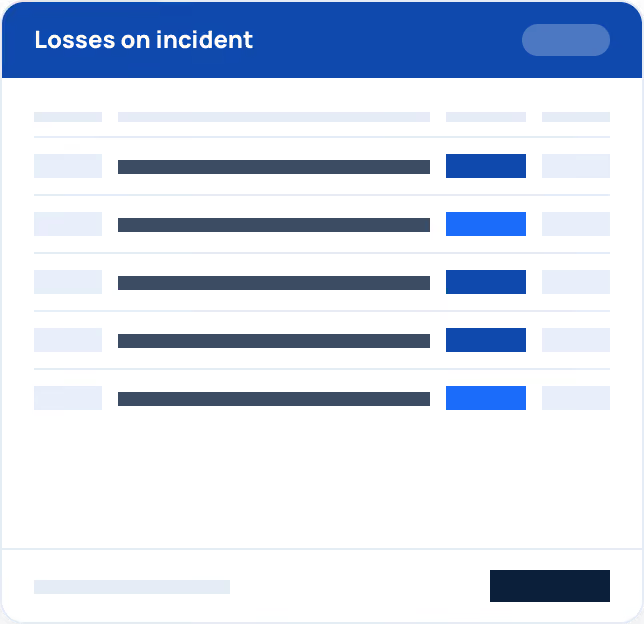
Assess losses and coverage automatically
Rules-based logic reviews every loss against coverage and history, then suggests reserves and recommended actions.
Key capabilities:
Capture unlimited losses tied to the same incident
Make recommendations based on historical behavior
Identify the reserves needed for each coverage
Recommend loss control measures
User Visibility
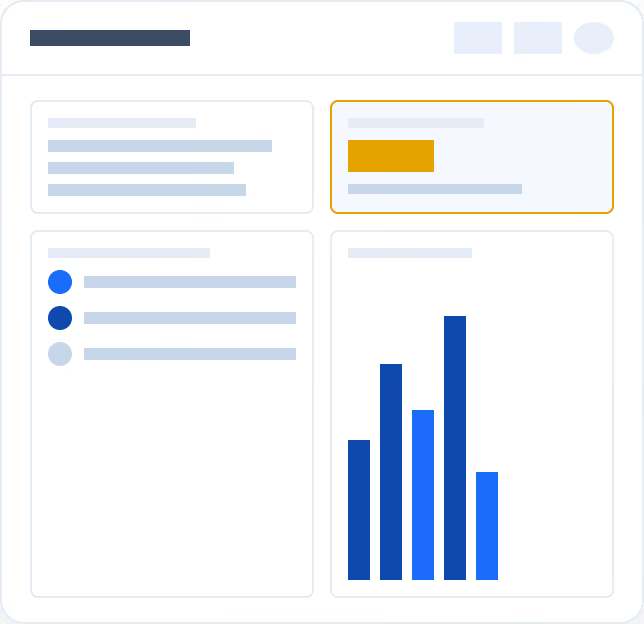
Give every role its own view of claims
Adjusters and managers see what needs attention today and how claims trend across products, agencies, and time.
Key capabilities:
Each user's dashboard shows appointments, daily activity, critical alerts, open workflow steps, and recently reported claims at a glance
Quick access to action items, contacts, reports, financials, claim setup, search, and admin functions
View incurred claims by product, agency, year, and location through an interactive claims reporting dashboard with hover-over detail
Create intelligent tasks automatically, based on reported losses
“We have a history of innovation at Hiscox, and we expect the OneShield platform will help us achieve greater efficiencies, productivity, and contemporary digital client experience.”

.svg)
.svg)