
.svg)
.svg)
ONESHIELD ENTERPRISE / PORTALS
Insurance portal software for every channel
Give agents, brokers, and policyholders role-based portals to quote, bind, endorse, and file claims. Each user gets self-service access to the tasks and information they need, without opening a ticket.
Put Self-Service in Every Hand
Agent, broker, and policyholder portals run on the same platform as Policy, Billing, and Claims, sharing one set of product metadata. Configure what each audience can do, then let them do it themselves.
Agent & Broker Portal
Move Transactions off Your Desk
Agents and brokers quote, bind, endorse, and file claims directly, without waiting on your service team.
Key capabilities:
.svg)
Initiate quotes and policies, and process endorsements without a service ticket
Report FNOL and claims directly from their own dashboard
Make payments and access or upload documents on their own
Reconcile accounts and view commission and billing data in one place
Administer their own users: add, terminate, and reset passwords without IT involvement
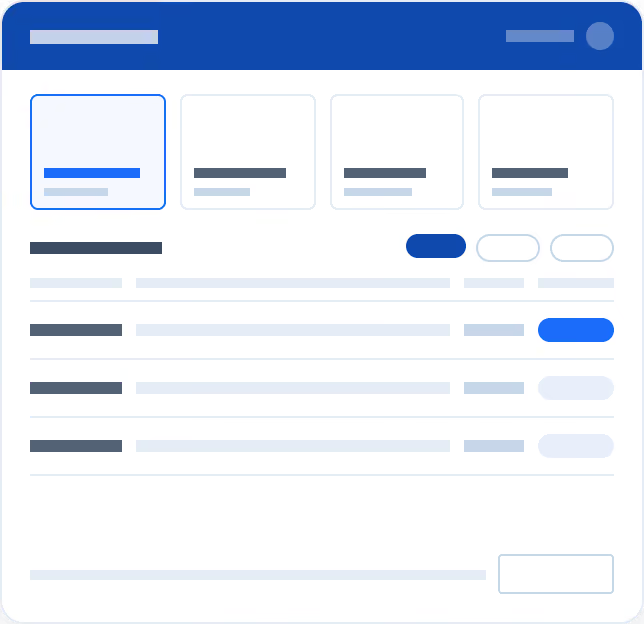
Policyholder Self-Service
Answer Policyholders Before They Call
Policyholders report claims, check status, and upload documents themselves, from any device, without a phone call.
Key capabilities:
Report FNOL and track claim status without contacting an agent
Check payment status and upload supporting materials directly
Request assistance when a question needs a person, not a form
Access the portal from any device: it's fully responsive across desktop and mobile
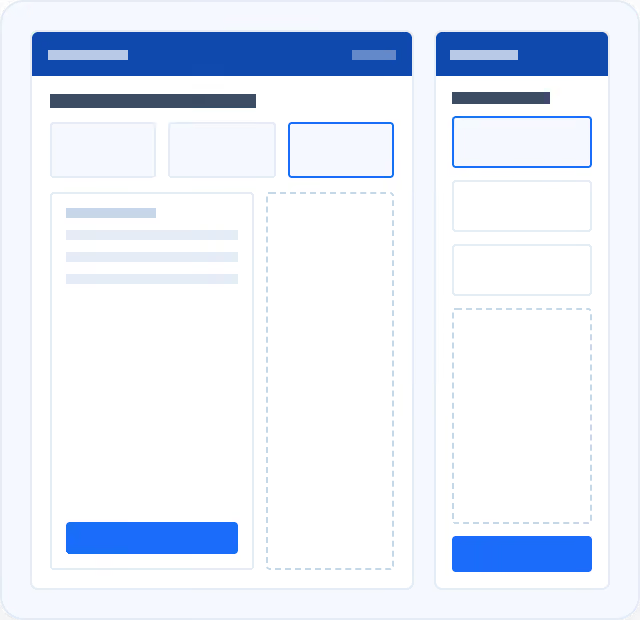
Connected Distribution
Extend Your Reach Without Duplicating Work
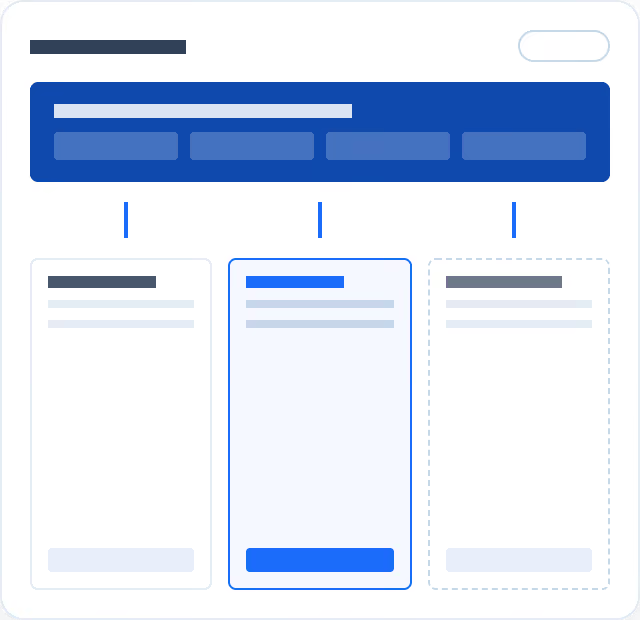
Shared product metadata and full headless APIs let your channels run independently, without duplicating configuration work.
Key capabilities:
Share product metadata with a third-party portal instead of redefining it twice
Run policy journeys fully headless through independent, customer-built portals
Connect to your existing agency management and submission systems through pre-built integrations
“We saw double digit growth for the next two years for each of our products, which is substantial, because in all cases, we didn’t change the insurance product. We just simply changed the way in which we engaged with our independent agents.”

Client Spotlight


.svg)
.svg)