
.svg)
.svg)
ONESHIELD ENTERPRISE / POLICY
Policy administration software without the friction
Insurance policy management software for P&C insurers and MGAs, from submission and rating through endorsements, renewals, and cancellations
Write, Launch, and Service Policies Faster
Built on insurance-specific content and role-based journeys, OneShield Policy is designed to boost productivity, sharpen insights, and improve the experience for everyone who touches a policy.
Underwriting
Straight-Through Processing
Underwriting rules fire at every step, so clean business flows through without a manual touchpoint.
Key Capabilities:
.svg)
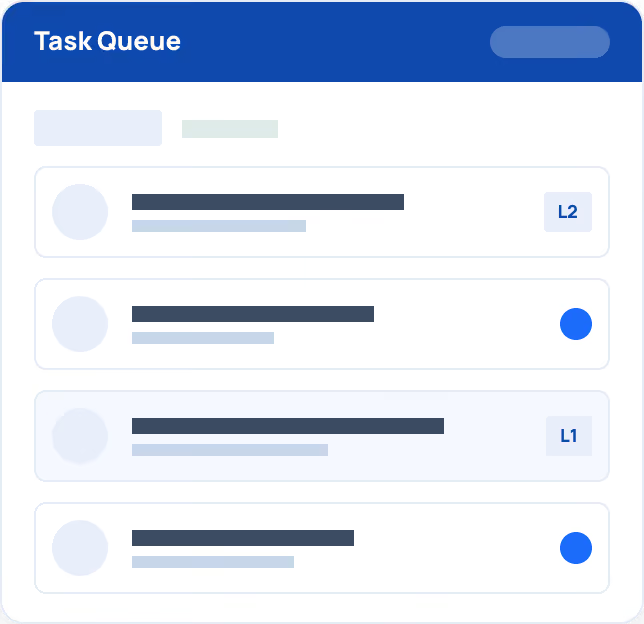
Straight-through processing (STP) via underwriting rules and workflow
Automated task management: notes, journaling, and assignment by expertise and authority level
Advanced moratorium handling, with policy suspension driven by events and catastrophes
Real-time access to multiple submissions and files
Pre-Built Content
Start From a Working Product, Not a Blank Page
Pre-configured content for most lines gives your team a working starting point, not a requirements document.
Key Capabilities:
Comprehensive data models
Workflows, rules, and reports
Rates, rules, and forms logic
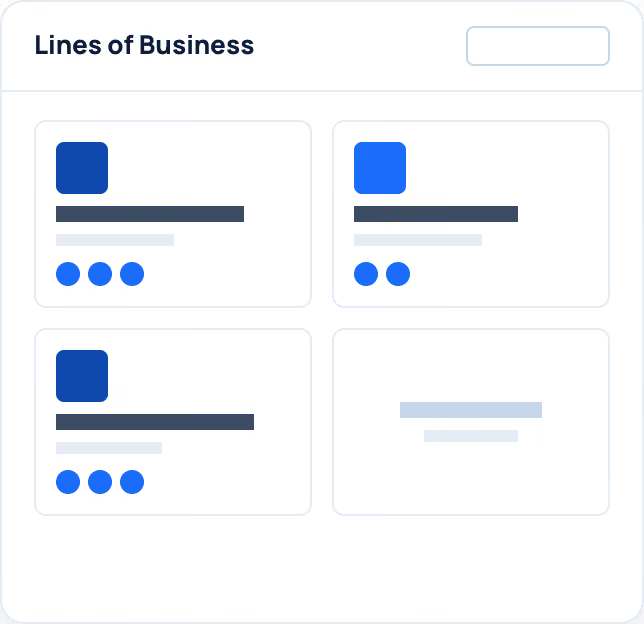
Dashboards supporting 60+ lines of business, and growing
Self-Sufficiency
Run the Platform on Your Terms
With white-glove training, your business users maintain products, rates, rules, and forms without IT involvement.
Key Capabilities:
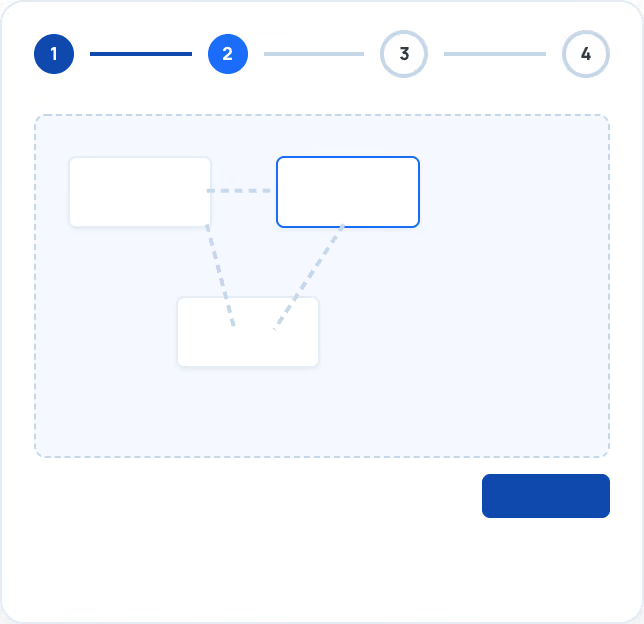
Business and technical users collaborate to create, modify, and maintain the application in OneShield Designer, our wizard-based design tool
Bring products to market faster, for greater business agility
CI/CD delivers new functionality through a regular cadence of incremental upgrades. Manage them yourself, with little or no help from OneShield
Lower management and maintenance costs
Digital Experience
Give Every User a Live View
Customers, agents, and partners see accurate, current information in self-service portals built on the platform.
Key Capabilities:
Unique self-service experiences for customers, agents, and partners
Access to inquiries, transaction processing, new business, commissions, monthly reconciliation, and performance tracking
User-based visibility into every customer, across all terms and policies
Make better decisions with visibility and insight

Tools to Design Your Vision
Manage the complete policy lifecycle across commercial, personal, and specialty insurance with the industry's most advanced, configurable policy management solution.

OneShield Designer
Give business and technical users control over workflow, product definition, object model, and web services.

Services Designer
Draw on a catalog of coarse- and fine-grained services: SOAP/REST, XML/JSON, native configuration, built-in security and pen testing.

Package Designer
Bundle multiple product coverages, commercial and personal alike, into a single package with ease.

OneShield Portals
Kick-start your digital experience with pre-built portal journeys.

Relationship Management
Manage every aspect of customer and partner information, with controlled access for trusted partners.

OneShield Reporting
Configure reports and views across client information, transactions, financials, operations, statistics, and marketing.
“Before making this decision, we extensively researched the latest technologies available within our industry. It validates that OneShield Policy remains the best platform for our technology transformation and plans for future growth."

Client Spotlight



.svg)
.svg)